Full Screen View
The full screen viewer turns Image Gallery from a browsing surface into a practical review tool. Users can open an image, inspect details, move through nearby images, and take action without losing their place in the gallery.
The viewer supports common image actions such as zooming in, copying, downloading, and jumping to the original Teams message when the conversation context is needed.
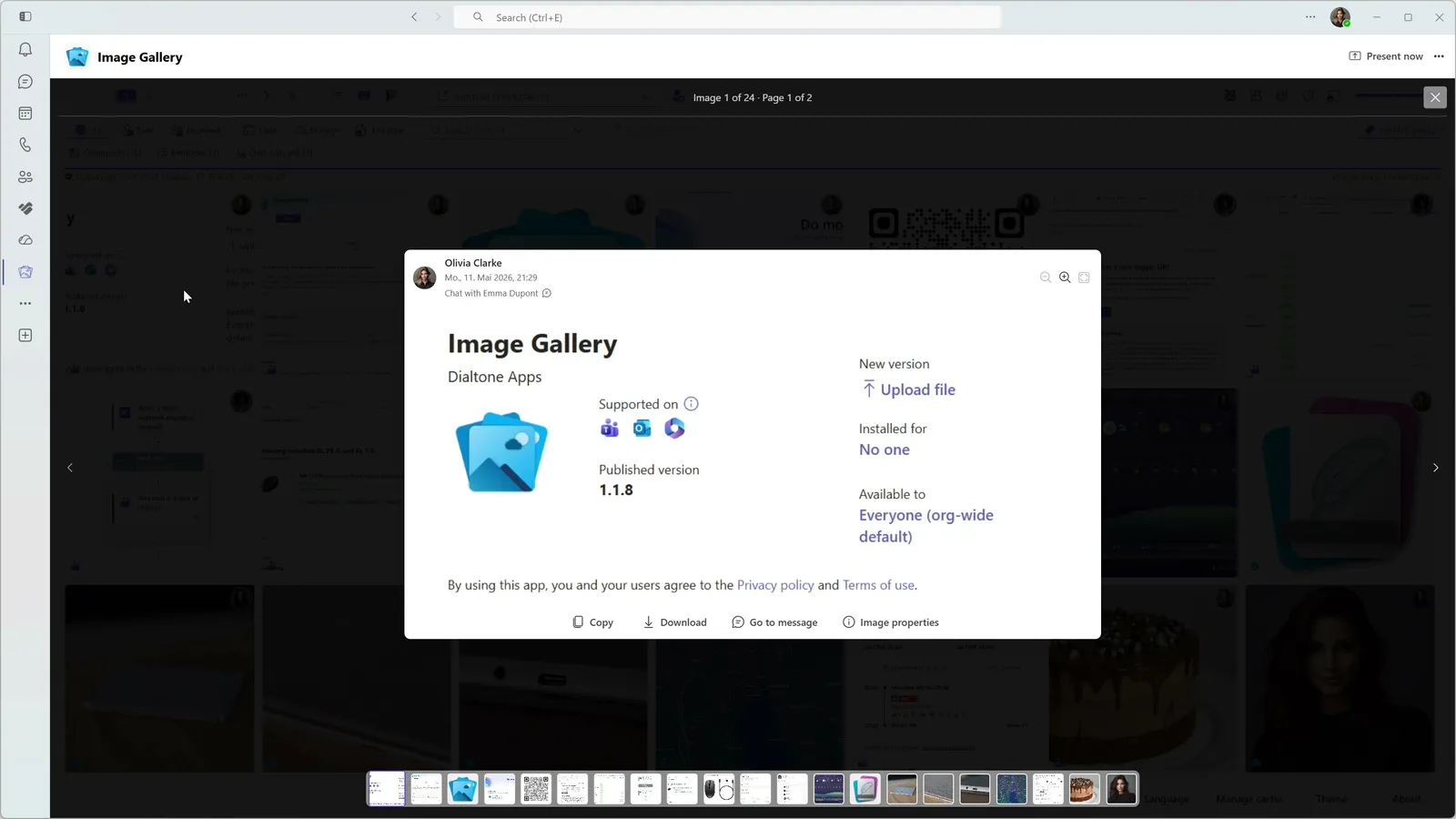
Review without losing context
- Detailed review for screenshots, photos, and visual updates.
- Nearby-image navigation without returning to the grid each time.
- Copy and download actions for practical follow-up work.
- A direct path back to the source message.
Built around the source conversation
Images are rarely useful in isolation. The viewer keeps Teams context close enough for discussion, decisions, and follow-up work.
Explore more features
Image Gallery makes text inside Teams screenshots searchable with on-device OCR, helping users recover visual details without sending image content to an external AI service.
Image Gallery adds optional badges to image tiles so users can understand message, storage, and related-image context before opening each item.
Image Gallery helps users narrow busy Teams image history with filters for sender, date, calendar week, chat, channel, storage context, message context, and more.
Image Gallery offers a Teams-friendly browsing experience with automatic theme detection, dark mode support, adjustable thumbnails, and a focused separate-window option.
Image Gallery includes a personal Teams app where users can browse, filter, and search images across enabled chats and channels from one place.
Image Gallery adds a dedicated image tab to a Teams chat or channel, including support for inline images shared directly in messages.
Start Finding Images in Teams Faster Today.
Install Image Gallery and use it for free or purchase a paid plan if your organization requires more than 50 users or any other paid feature.